Core Web Vitals
Fixing LCP on image-heavy pages without touching a single template
Your Largest Contentful Paint is almost always an image. You can fix most of it at the file level, before you ever open the codebase.

On most content and commerce pages, the Largest Contentful Paint element is an image — the hero, the first product shot, the article lead. That’s good news: it means a large share of your LCP problem lives in the file, not the framework, and you can fix it without a template rewrite.
Start with the byte budget
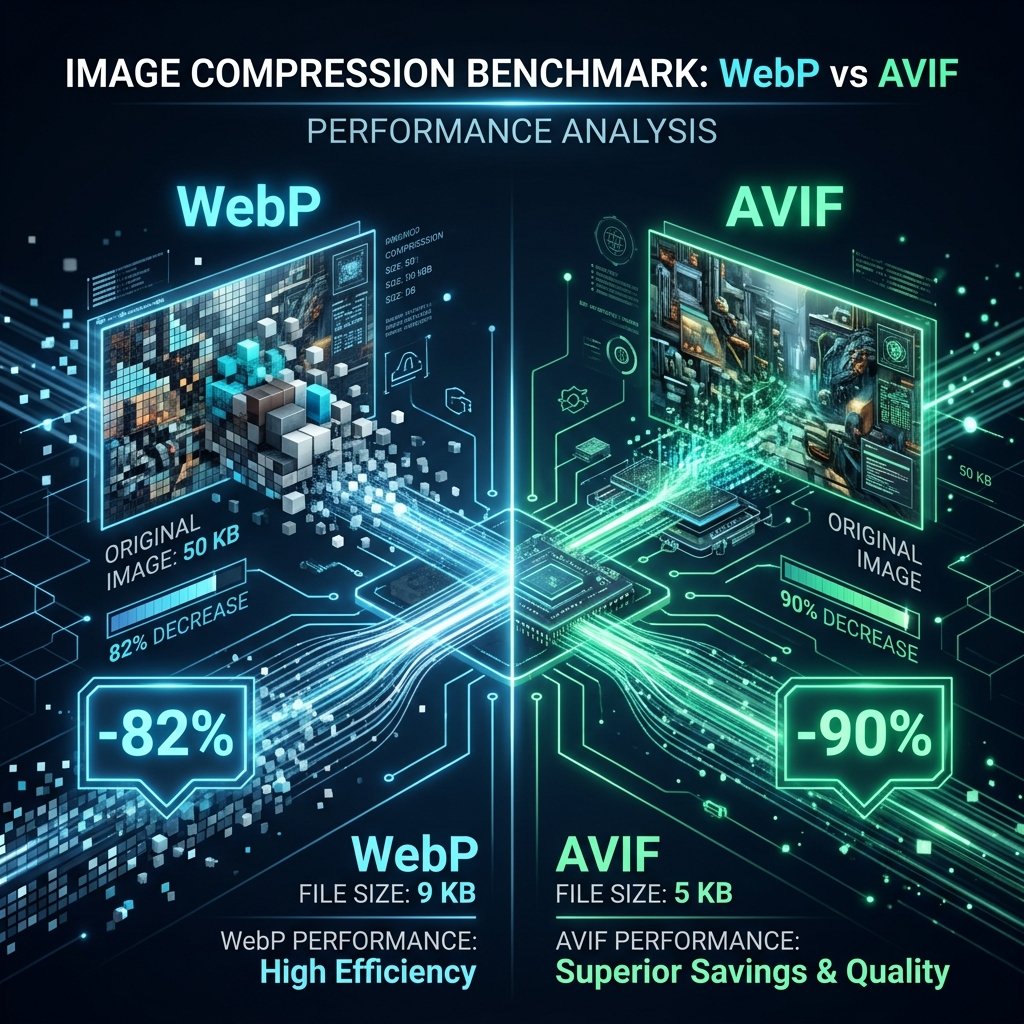
An LCP image that arrives as a 1.8 MB JPEG will never be fast, no matter how you prioritise it. Convert it to a modern format, size it to the largest box it actually renders in (not the original camera resolution), and target a sensible quality. Most heroes drop from megabytes to well under 200 KB with no visible loss.
Give the browser dimensions
Missing width/height forces a reflow when the image loads, and cumulative layout shift drags the whole score down. Embedding correct dimensions — and keeping them through your resize pipeline — is a file-level fix that stabilises layout for free.
Prioritise the one that matters
The single most effective template-free win is telling the browser which image is the LCP element so it fetches it early. Even without code, ensuring the hero isn’t lazy-loaded (lazy-loading your LCP image is a common self-inflicted wound) recovers a surprising amount.
- Right format + right dimensions + right quality → smaller, faster bytes.
- Embedded dimensions → no layout shift.
- Hero never lazy-loaded → it starts downloading immediately.
Takeaway: optimise the image before you optimise the page. Getting the LCP file small, correctly sized and eagerly loaded fixes the majority of image-driven Core Web Vitals failures at the source.
Do this automatically to your whole library
Image SEO King writes EXIF, IPTC and XMP, converts to WebP/AVIF and generates AI metadata for thousands of images at once.
Start free — 25 images